
Added Materials to Instant Cladding
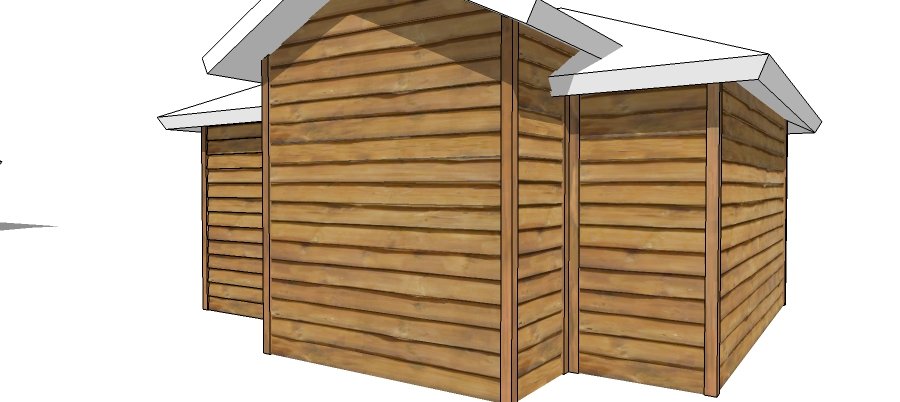
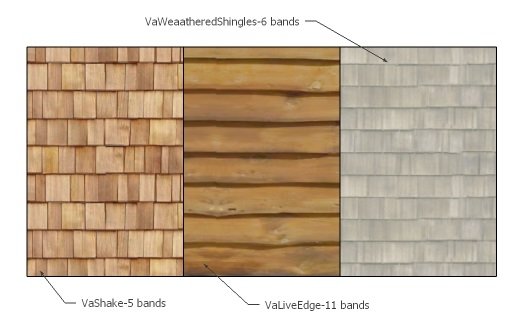
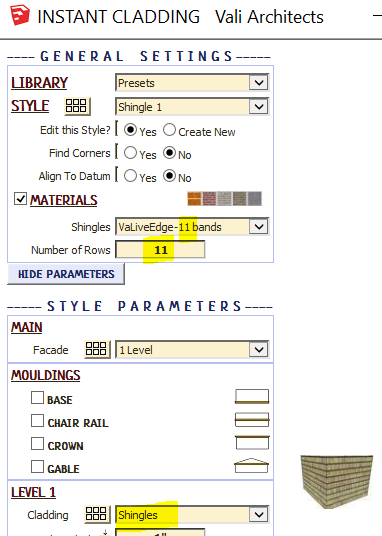
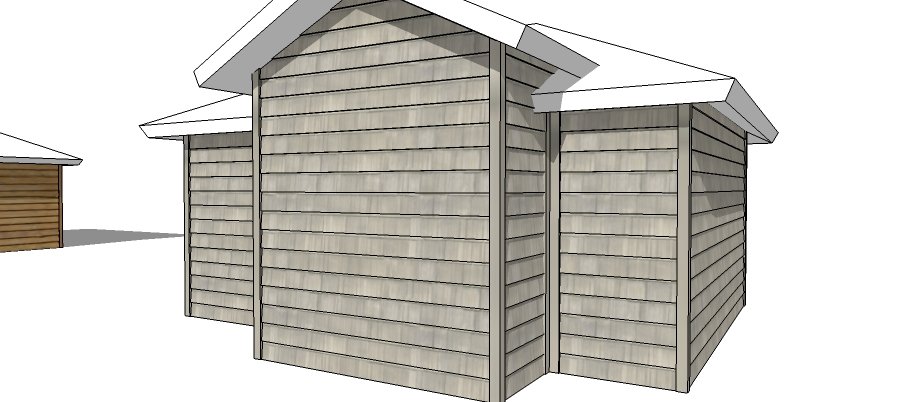
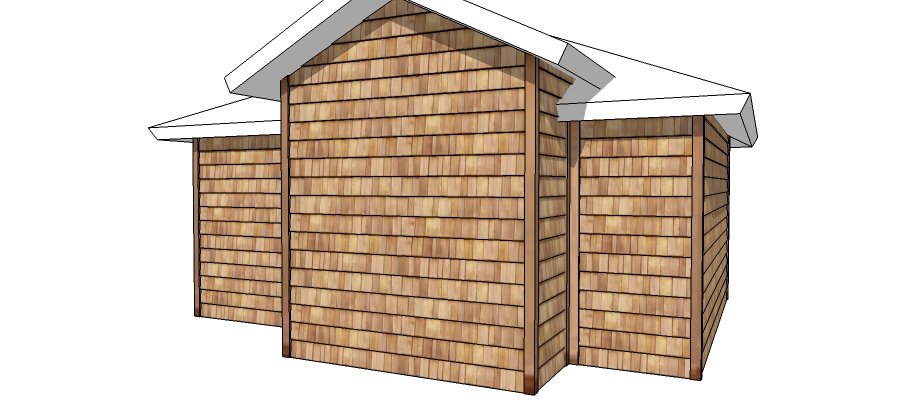
I added 2 material textures to Instant Cladding version 1.7. To load them, click "Extensions/Vali Architects/Instant Cladding/Load Vali Architects Cladding Materials". They work with the cladding types "Shingles" and "Shingles Corner Trim". Each material indicates the number of bands to enter into the 'Number of Lines" parameter in the menu. The Live Edge texture doesn't make the actual geometry wavy edged. So it may look better if the edges are hidden using 'Extensions/Vali Architects/Edge Display Tools/Hide Edges..."
(Note, any Sketchup shingle material can be used, not only those that come with the extension. To do so, set "Extra Large Thumbnails" in Sketchup material tool and count the bands)
Extensions: